> For the complete documentation index, see [llms.txt](https://docs.varbase.vardot.com/llms.txt). Markdown versions of documentation pages are available by appending `.md` to page URLs; this page is available as [Markdown](https://docs.varbase.vardot.com/10.1.x/content-designers/about-layout-builder/section/section-styles.md).
# Section Styles
Users can control the section style, background, borders, alignment, etc easily with Drupal while **adding** or **editing** the section as the following:
### Background:
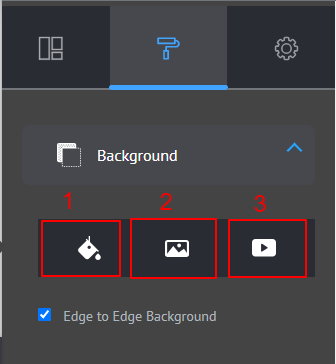
Users may add the section background as:
1. Color.
2. Image.
3. Video
Section Background Style
Users also can control the background to fit the section width or edge-to-edge by clicking on the **Edge to Edge Background** checkbox.
### Typography:
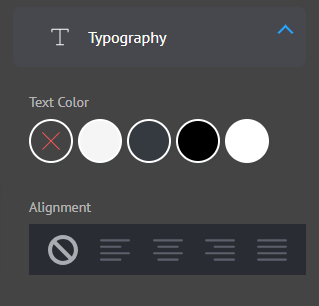
Users can control the text color and alignment in the section.
Section Typography Style
### Spacing:
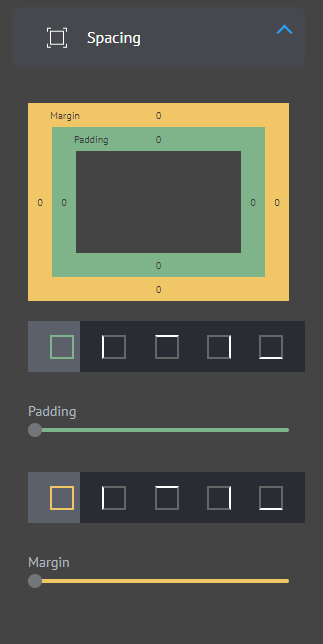
Users can control the section padding (inner space of the section) and margin (whitespace available surrounding the section)
Section Spacing Style
### Blocks alignment:
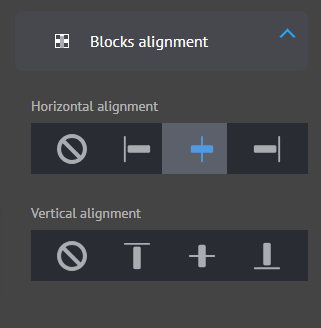
Users can control the horizontal and vertical alignment of the blocks inside the section.
Section Blocks Alignment Style
### Border:
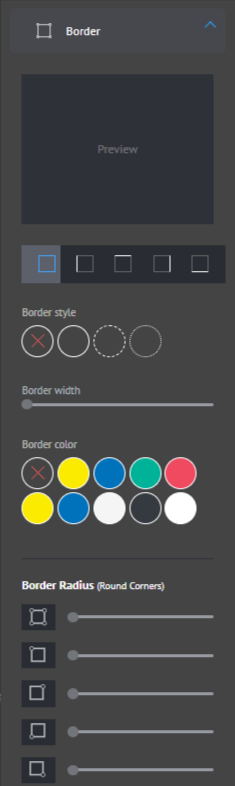
Users can control the borders (full/specific edge) by choosing the border style, width, color, and radius.
Section Border Style
### Shadow:
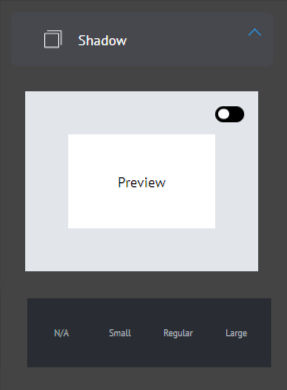
Users can control the section shadow type and have the ability to preview the option they choose.
Section Shadow Style
### Animation:
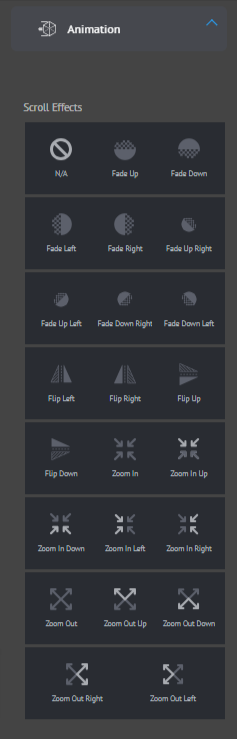
Users can control the animation that the section will display.