> For the complete documentation index, see [llms.txt](https://docs.varbase.vardot.com/llms.txt). Markdown versions of documentation pages are available by appending `.md` to page URLs; this page is available as [Markdown](https://docs.varbase.vardot.com/10.1.x/content-designers/content-management/modify-content.md).
# Modify Content
Editing existing content in Drupal.
## How to Edit Pages in Drupal
To edit pages in Drupal you do not need to be technical if you have some experience with a text editor you will find it simple.
On the other hand, almost everything can be editable from text, and images to the menu header, and footer section.
## Edit Pages
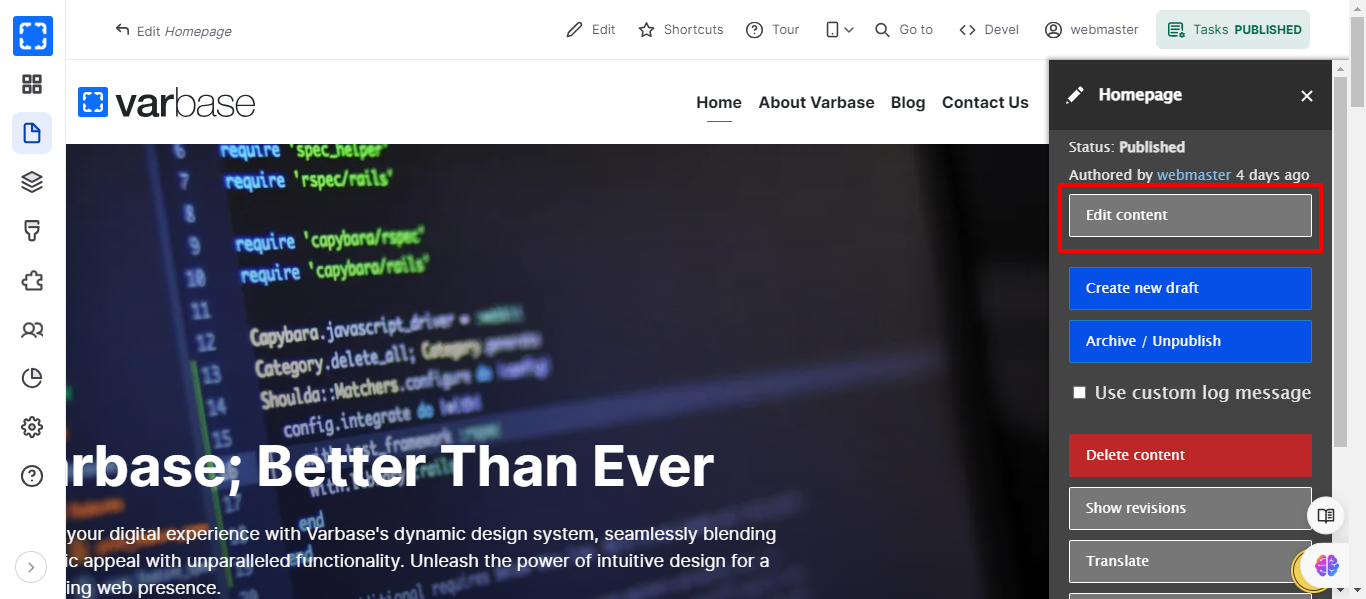
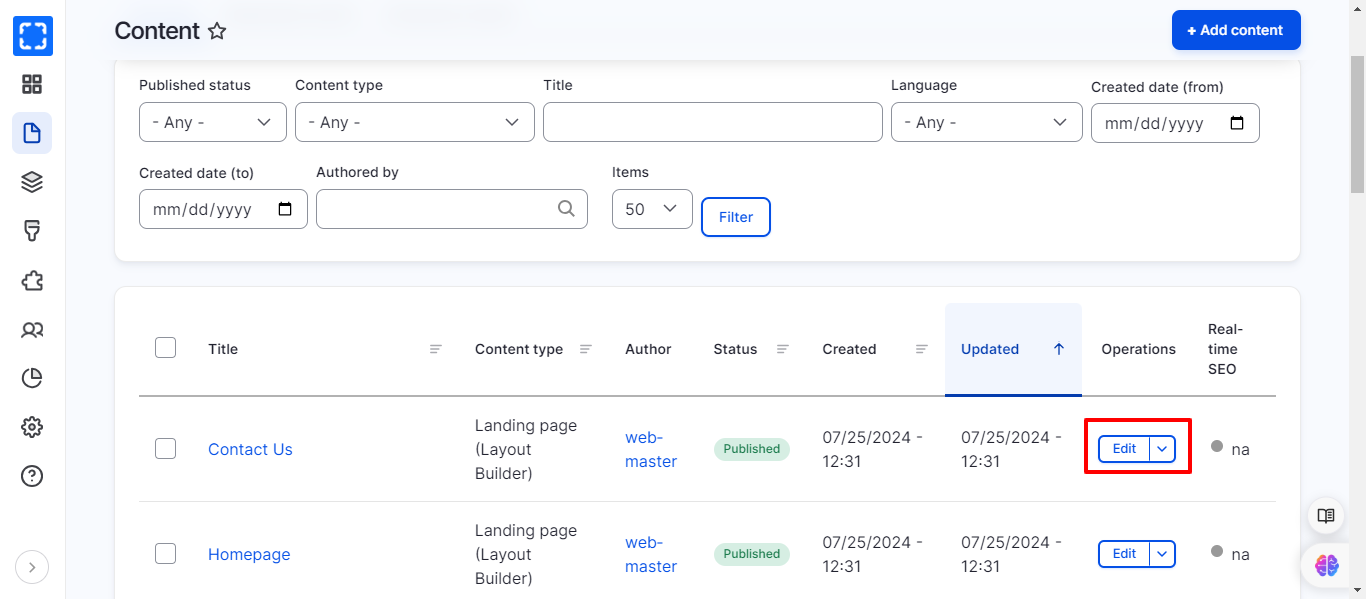
There are several places you can edit the nodes from it. Here are examples where you can edit the content:
1. In frontend, for every page you can use the **admin menu (Tasks)** to edit its content.
2. In backend, there is an **edit menu** under the content page for each node.