> For the complete documentation index, see [llms.txt](https://docs.varbase.vardot.com/llms.txt). Markdown versions of documentation pages are available by appending `.md` to page URLs; this page is available as [Markdown](https://docs.varbase.vardot.com/10.1.x/content-designers/content-management/publish-content.md).
# Publish Content
Publishing content means that it will be public for all users to view your content.
Drupal gives you the ability to publish your content in two simple ways, you can find the option to publish from:
1. Moderation sidebar:
1. The status of the node will be shown just update to publish.
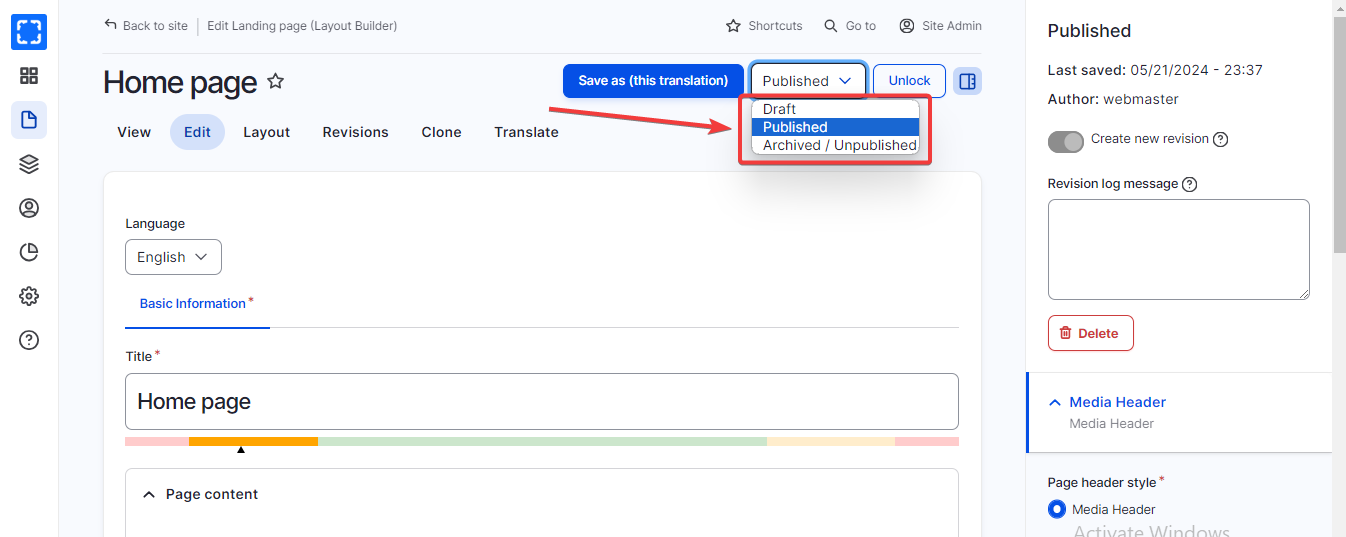
2. Under each node, there is a button to change the content status, by default all new content will be as a draft you have to change it to publish later.
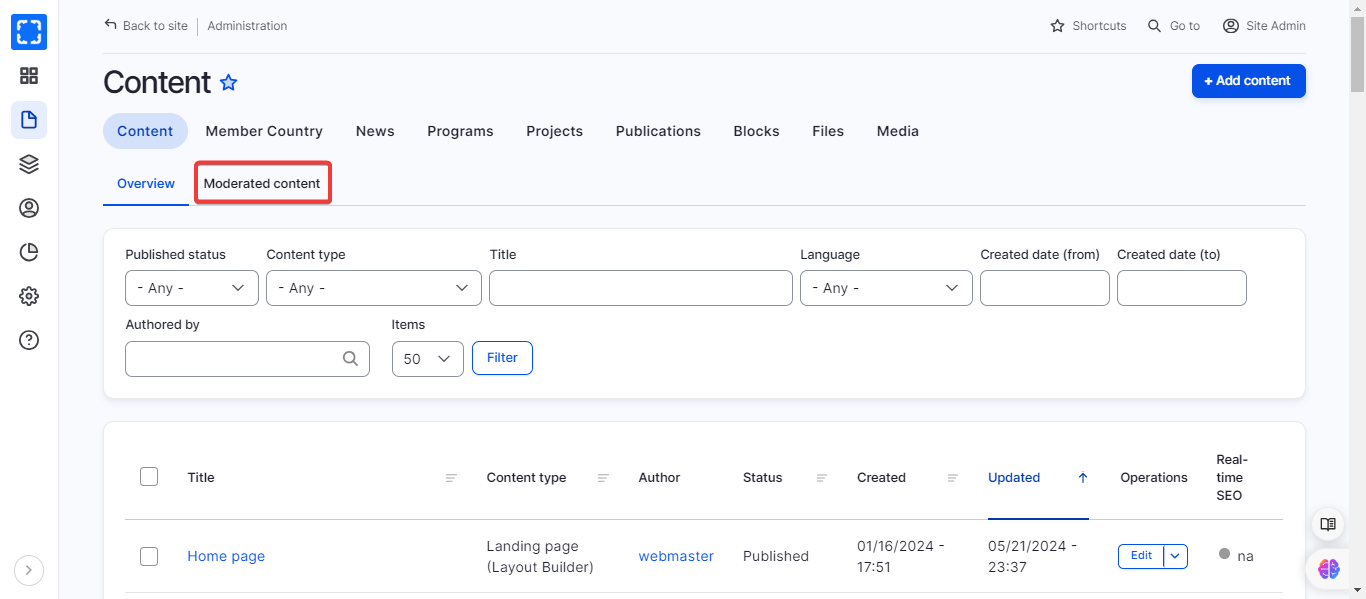
Moderated Content Side Bar
Content Statuses
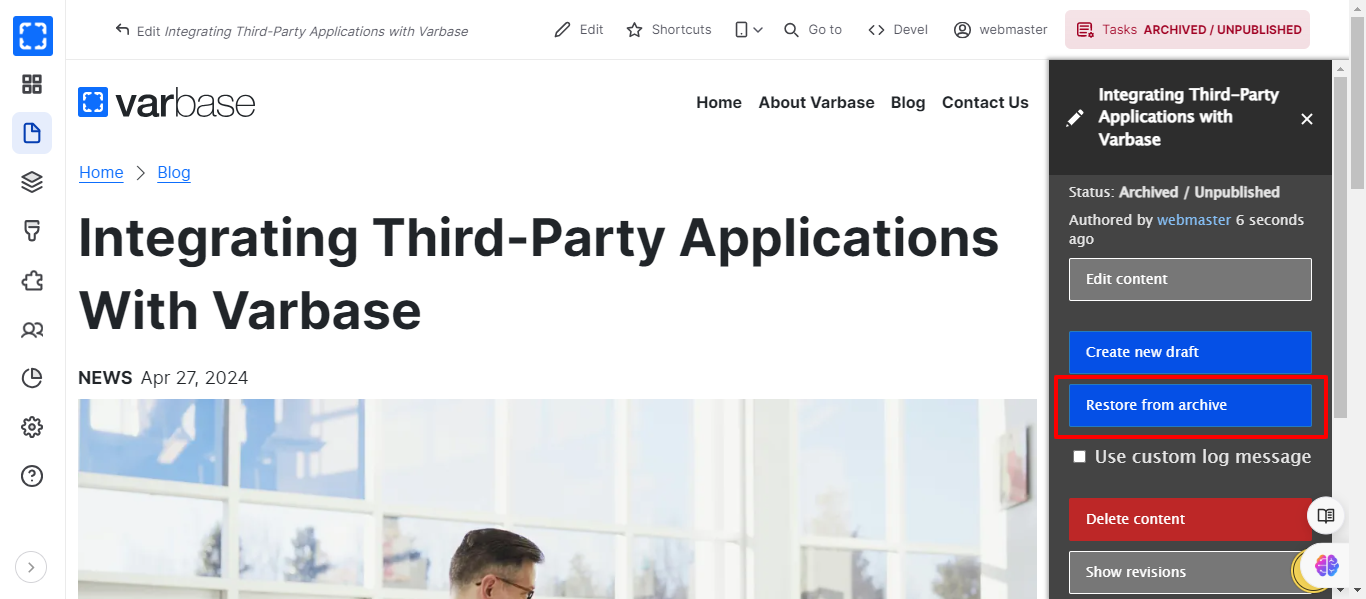
2. From the **Publish** button in the **Moderation sidebar**:
Publishing the Content From the Moderation Sidebar