> For the complete documentation index, see [llms.txt](https://docs.varbase.vardot.com/llms.txt). Markdown versions of documentation pages are available by appending `.md` to page URLs; this page is available as [Markdown](https://docs.varbase.vardot.com/10.1.x/content-designers/content-translation.md).
# Content Translation
Content translation is an essential feature in Drupal that enables the creation of multilingual websites, allowing users to access content in their preferred language. This step-by-step guide will walk you through the process of translating content in Drupal, ensuring that your user manual can be localized for different language audiences. By following these steps, you can effectively manage content translations
There are several places you can translate the nodes from it. Here are examples where you can translate the content:
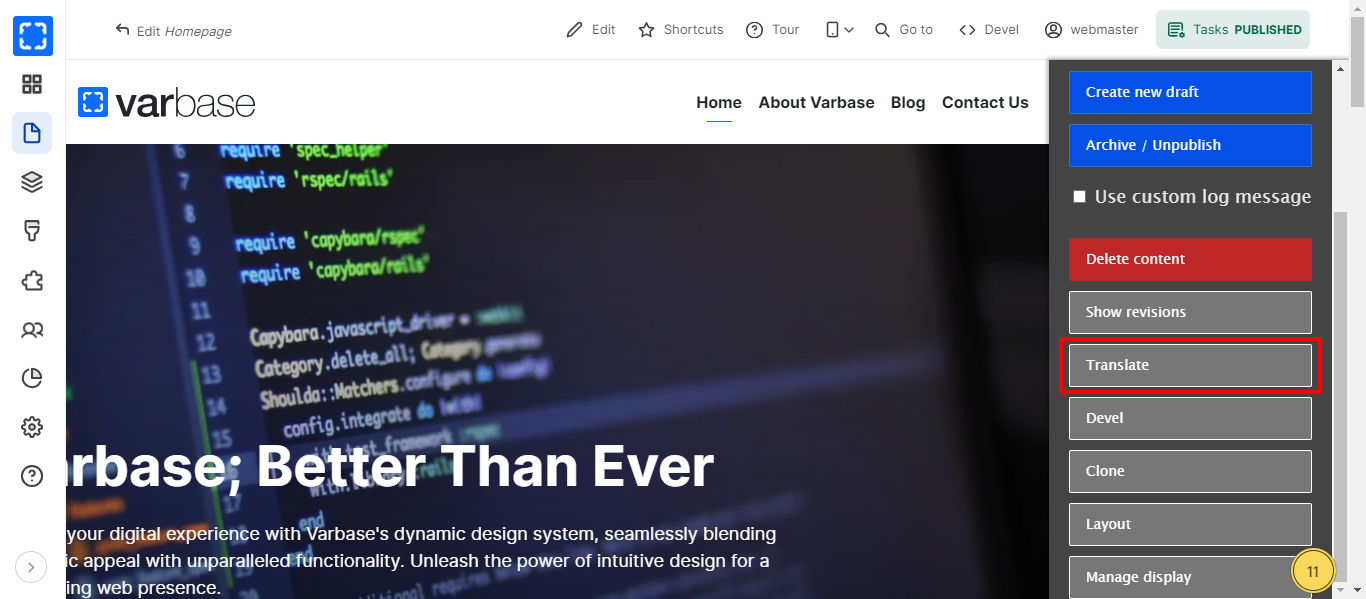
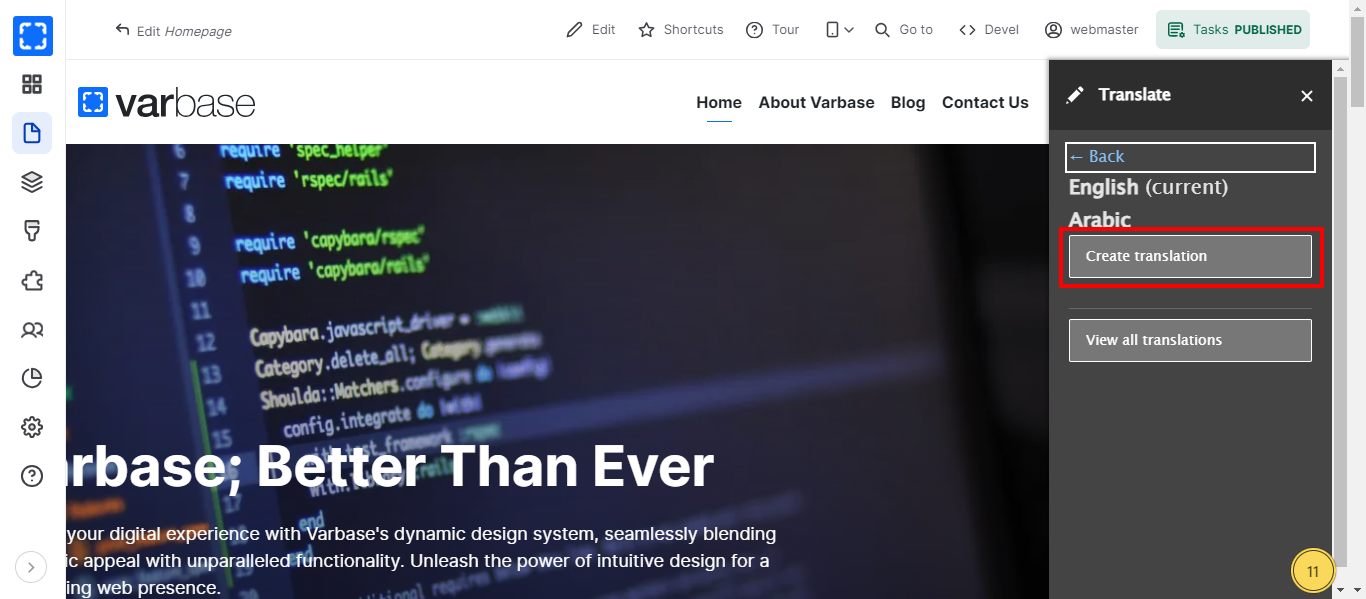
1. In frontend for every page you can use the **Task** menu and click T**ranslate**.
Task Menu
Translations Options
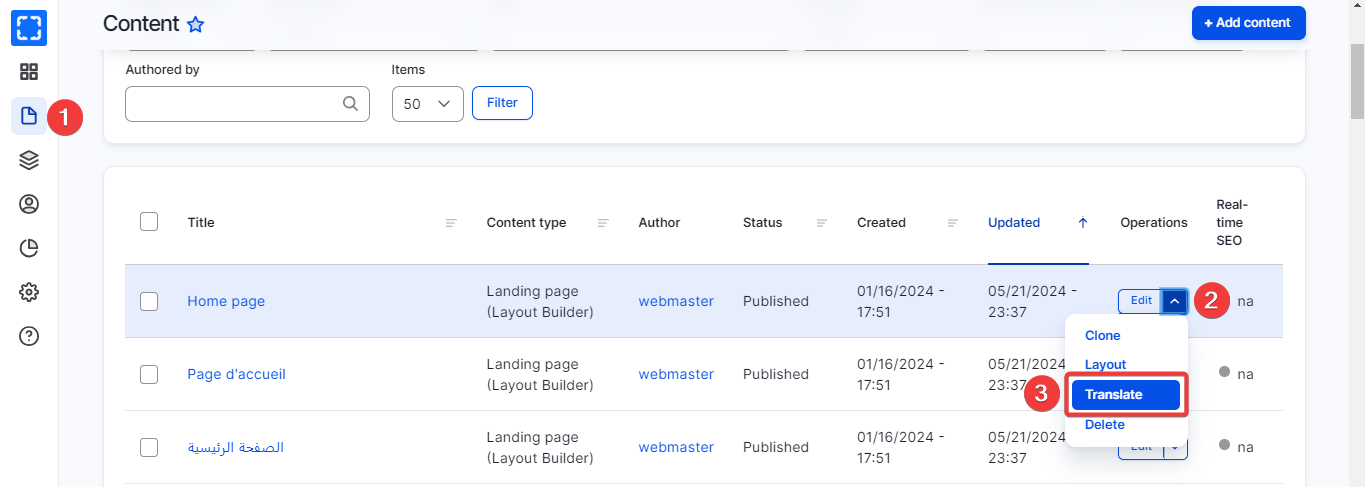
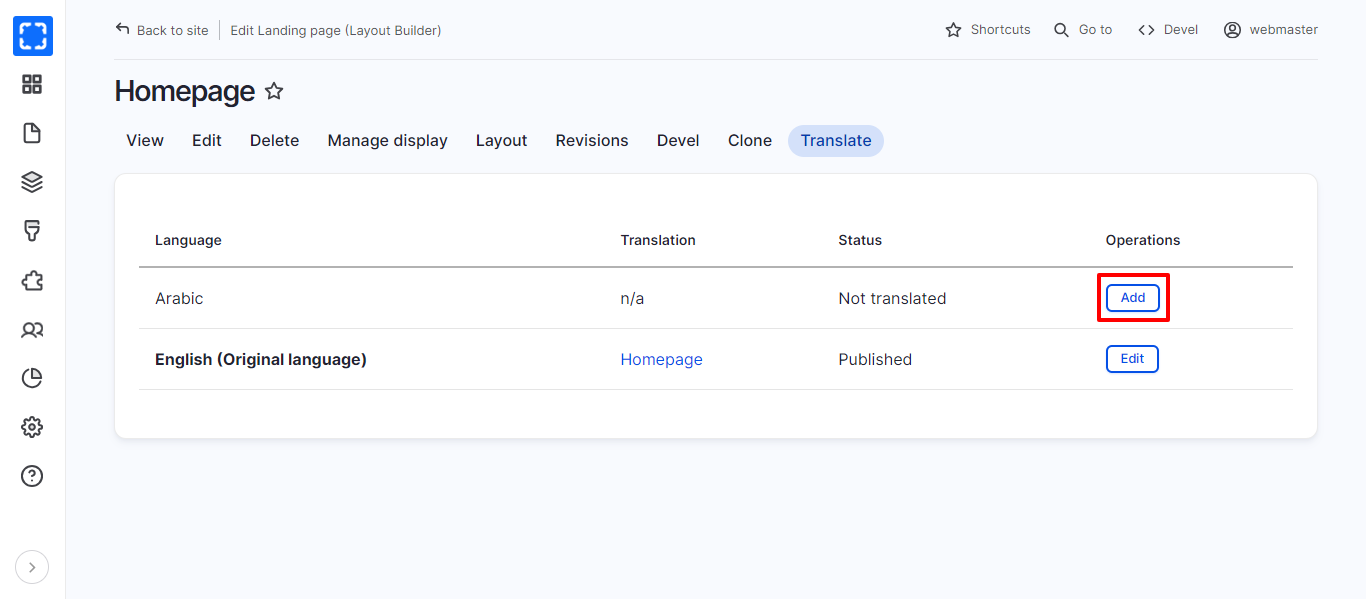
2. In backend there is an edit menu under the content page for each node you can select **Translate** from it and click on the "**Add**" button next to the desired language you want to translate the content into.
Content Backend Page
Translate Page
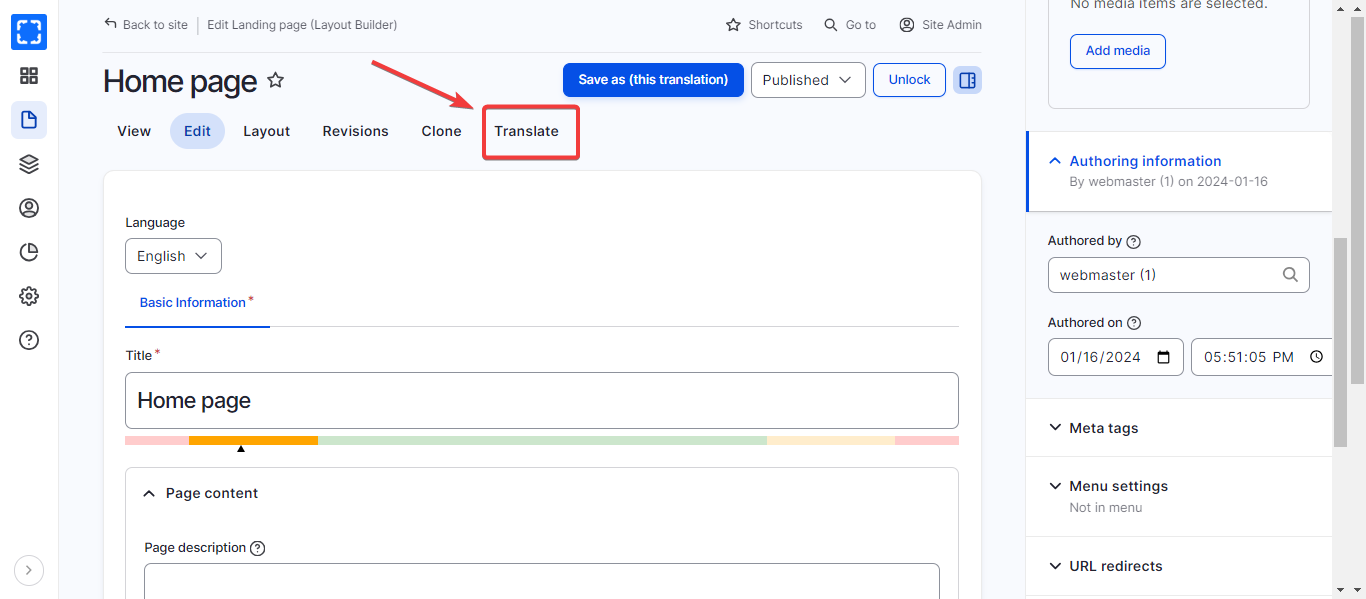
3. In backend once you're on the node editing page locate the "**Translate**" tab on the editing form click on the "**Translate**" tab to access the translation options.