> For the complete documentation index, see [llms.txt](https://docs.varbase.vardot.com/llms.txt). Markdown versions of documentation pages are available by appending `.md` to page URLs; this page is available as [Markdown](https://docs.varbase.vardot.com/10.1.x/content-designers/dashboard.md).
# Dashboard
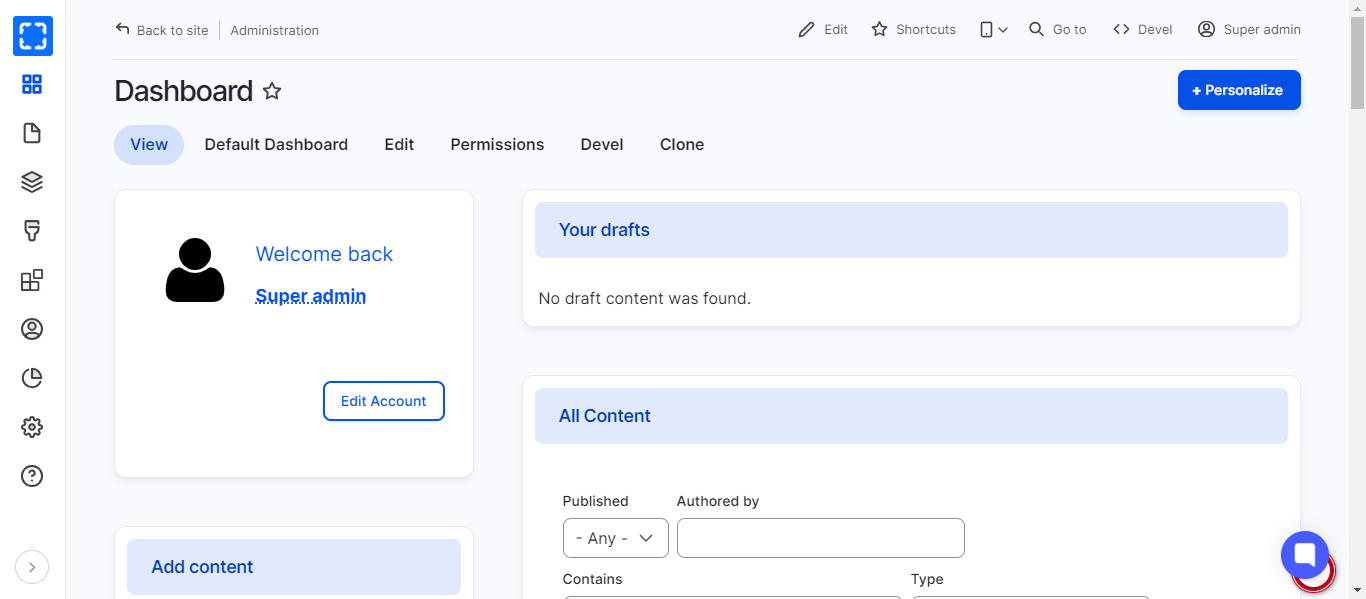
The dashboard gives administrators a customizable overview of important site information.
This dashboard is built on top of [Total Control Admin Dashboard](https://www.drupal.org/project/total_control) module, utilizing Panels, [Google Analytics Reports](https://www.drupal.org/project/google_analytics_reports), and several enhanced blocks and widgets for an intuitive and flexible administration experience.
> The idea is made to provide the site admins with an appealing and concise dashboard to become the home of any Drupal site's administration task.
Drupal Total Control Admin Dashboard
## How to Edit a Dashboard
To edit the current Dashboard follow these steps:
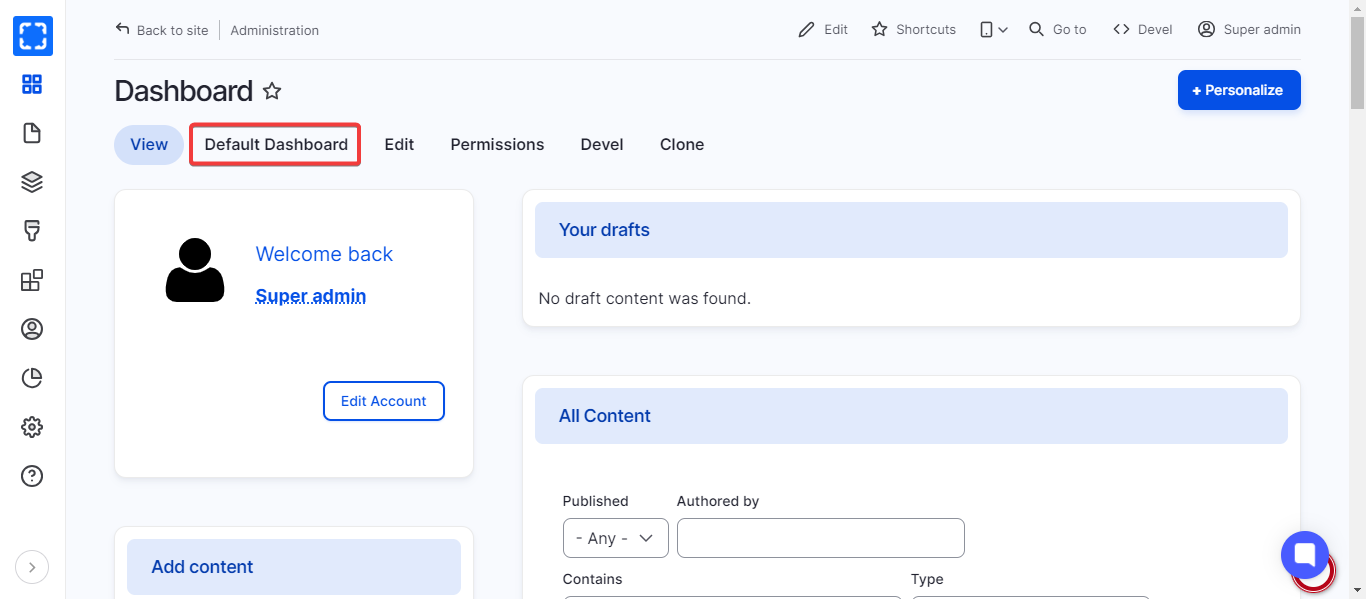
1. In the Dashboard, click on ***Default Dashboard.***
Dashboard Page
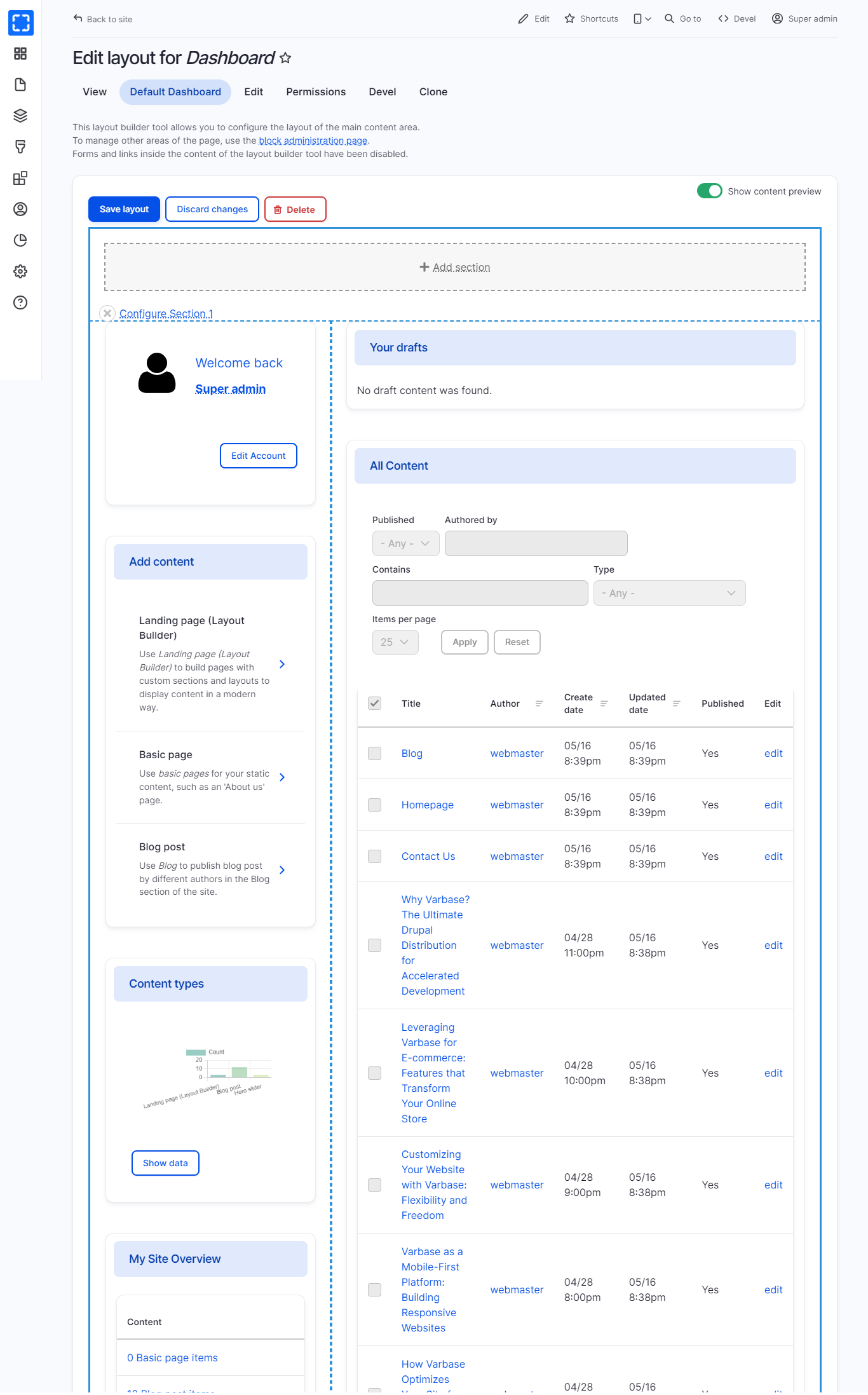
2. In the **Default Dashboard** page you can manage the parts you need to update.
Default Dashboard Page
3. Try to update the dashboard by:
* Reorder the default blocks under **the dashboard.**
* Add Section
* Delete Page.
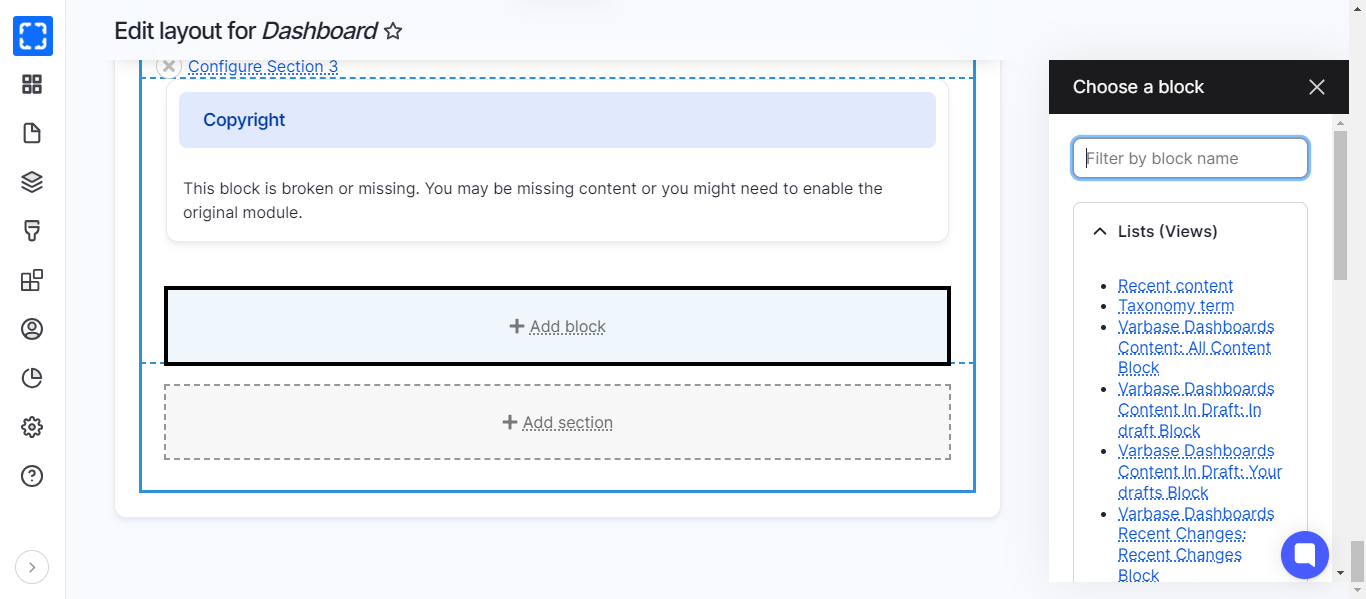
* Add New Block
Drupal Dashboard Blocks
5. Click **Save layout.**
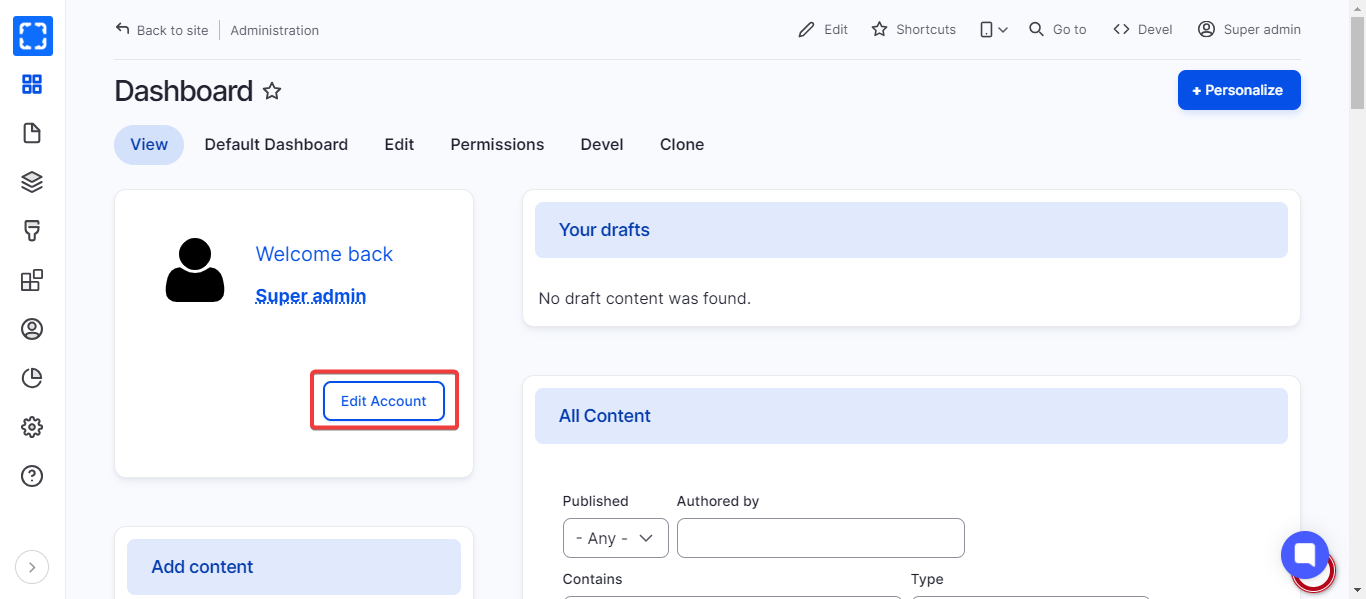
## Edit Current User Account from Dashboard
On the Dashboard page, user is able to edit his account information directly from the edit button on the top section.
Drupal Edit Account
{% hint style="info" %}
To edit the user information check **User Management** section > [**Edit user**](/10.1.x/content-designers/user-management/edit-user.md)
{% endhint %}