> For the complete documentation index, see [llms.txt](https://docs.varbase.vardot.com/llms.txt). Markdown versions of documentation pages are available by appending `.md` to page URLs; this page is available as [Markdown](https://docs.varbase.vardot.com/10.1.x/content-designers/site-configuration/user-interface/cl-components.md).
# CL Components
The **CL Components** (Component Library Components) in Varbase provide a reusable and structured way to build content using pre-designed UI elements. These components ensure design consistency, improve content editing efficiency, and support a modular approach to content creation. Fully integrated with **Layout Builder** and **Paragraphs**, they allow editors to create dynamic and visually appealing layouts without custom development. This feature enhances scalability, maintains a cohesive visual identity, and streamlines website management in Varbase.
### How to Navigate the **CL Components** Page
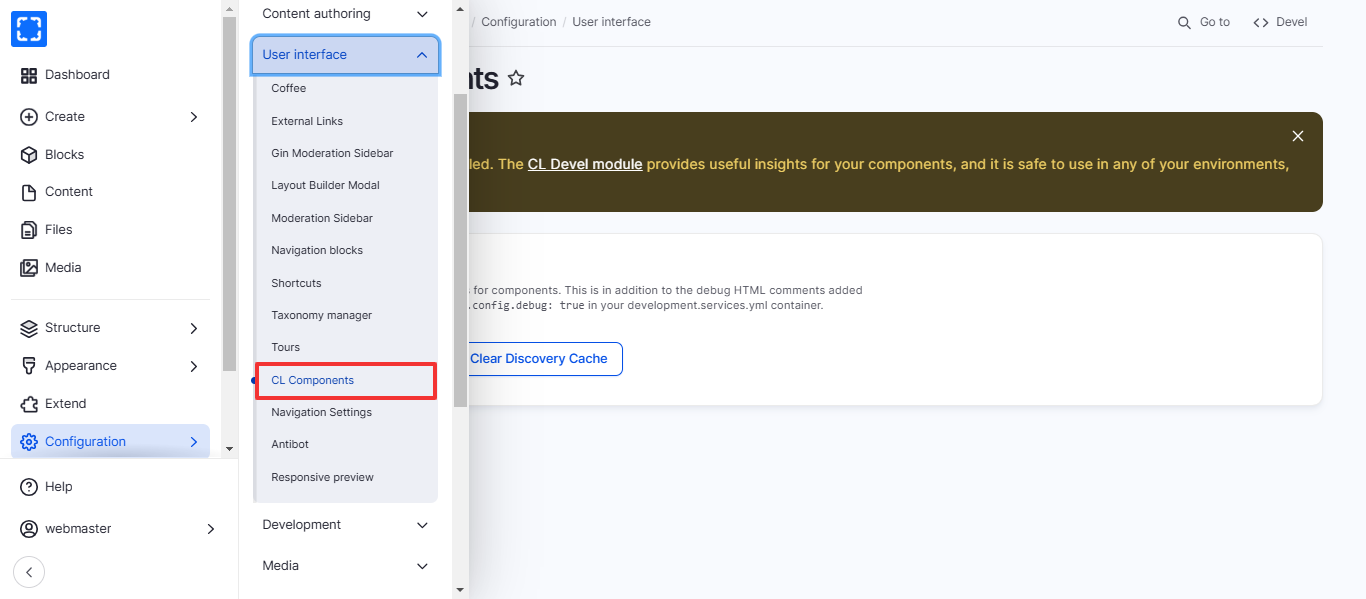
1. Form **Configuration/ User interface/ *****CL Components.***
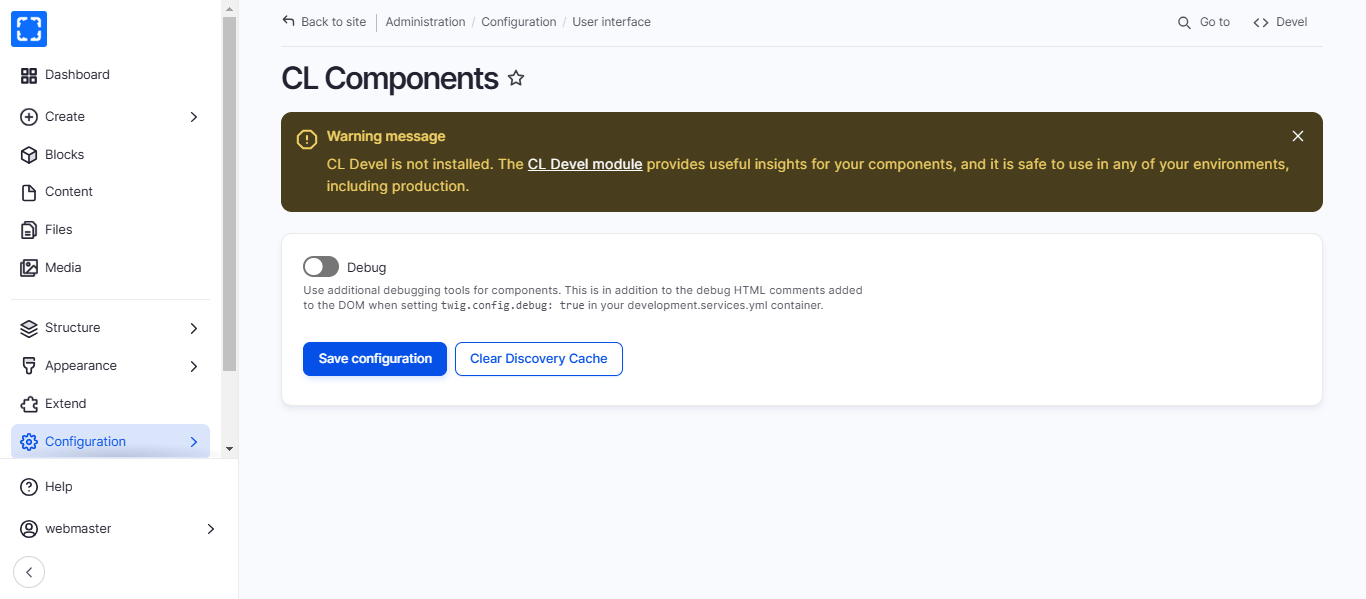
2. You'll be redirected to the **CL Components** page.
3. Update the information you want and click on **Save Configuration** button.