> For the complete documentation index, see [llms.txt](https://docs.varbase.vardot.com/llms.txt). Markdown versions of documentation pages are available by appending `.md` to page URLs; this page is available as [Markdown](https://docs.varbase.vardot.com/10.1.x/content-designers/site-configuration/user-interface/navigation-settings.md).
# Navigation Settings
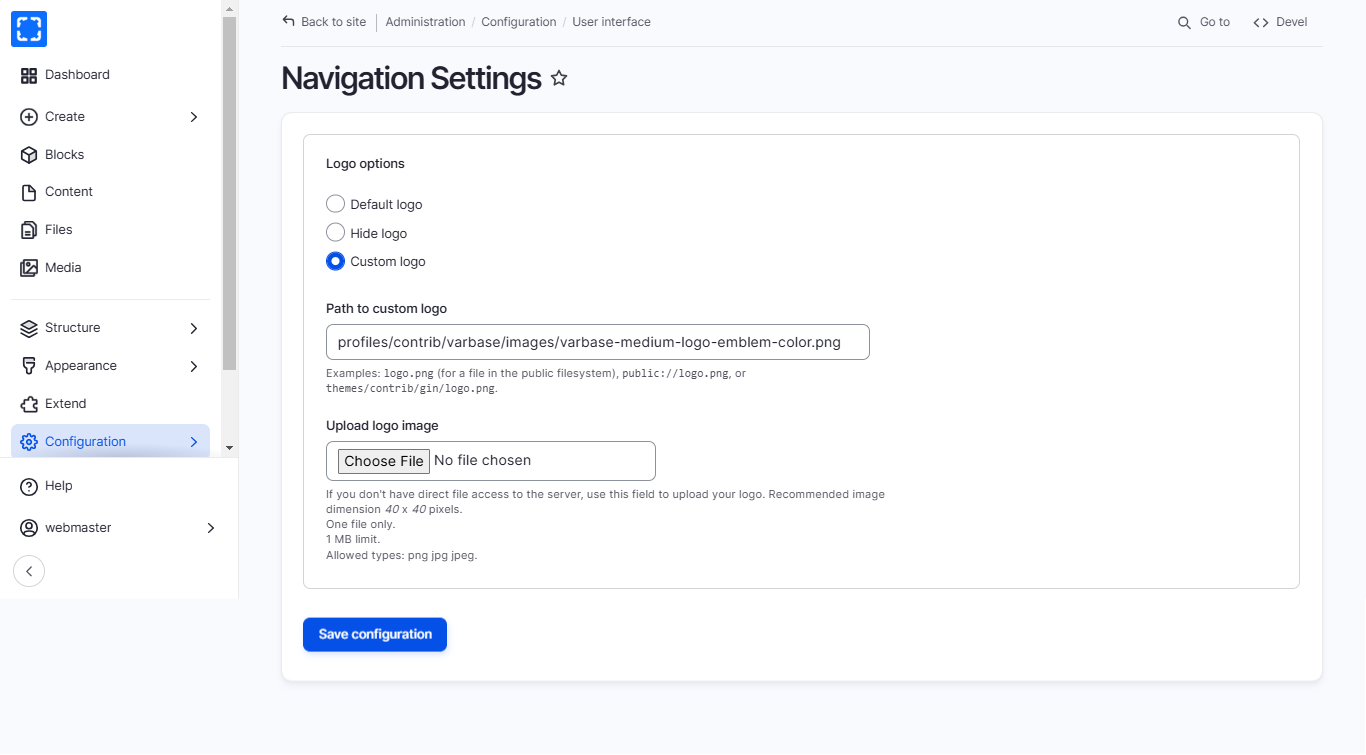
The **Navigation Settings** in Varbase allow administrators to configure and manage the website's menus and navigation structure efficiently. It offers tools for creating and organizing menus, setting visibility rules, and managing menu links across the site. These settings ensure a user-friendly navigation experience, allowing the website to scale while keeping content easily accessible. Administrators can customize menu layouts, determine where and how menus are displayed, and integrate them with content types or specific pages for improved site organization.
### How to Navigate the Navigation Settings Page
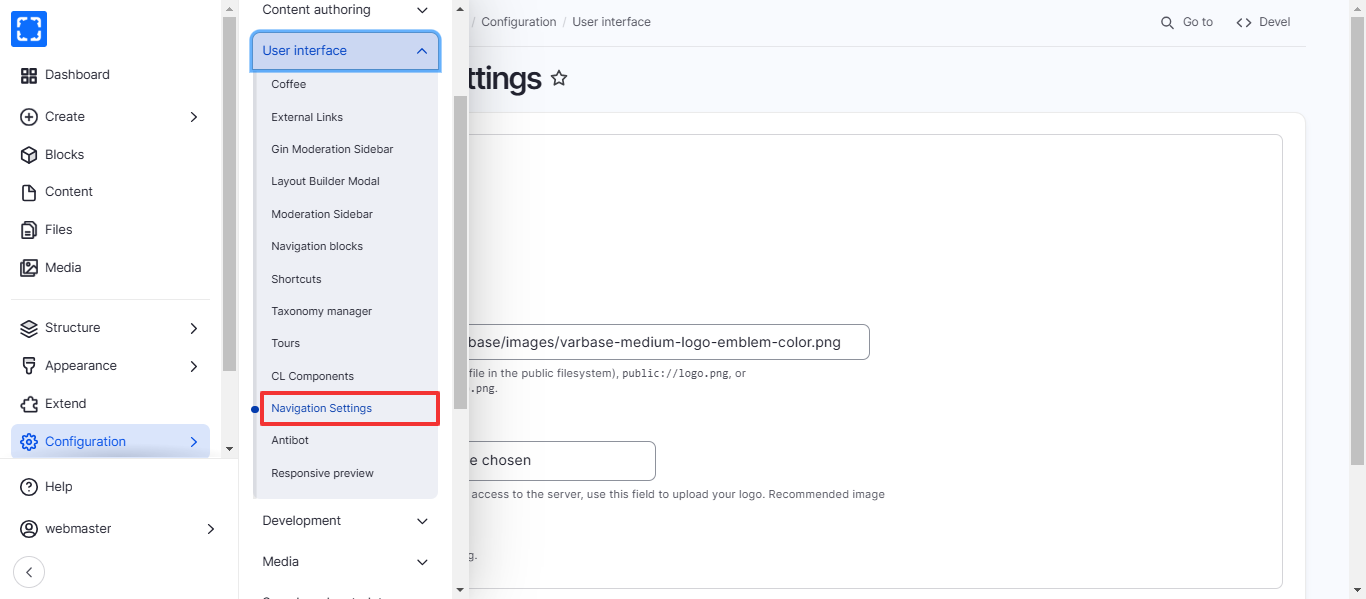
1. Form **Configuration/ User interface/ *****Navigation Settings.***
2. You'll be redirected to the **Navigation Settings** page.
3. Update the information you want and click on **Save** button.