> For the complete documentation index, see [llms.txt](https://docs.varbase.vardot.com/llms.txt). Markdown versions of documentation pages are available by appending `.md` to page URLs; this page is available as [Markdown](https://docs.varbase.vardot.com/10.1.x/content-designers/site-configuration/user-interface/tours.md).
# Tours
The **Tours** feature in Varbase provides interactive, step-by-step guidance within the admin interface, making it easier for users to navigate the CMS. It offers contextual help by displaying tooltips and instructions, improving onboarding and reducing the learning curve for new users. Tours are fully customizable, allowing administrators to create or modify guided experiences tailored to specific workflows. Integrated seamlessly with the **Gin Admin Theme**, this feature enhances usability by providing a modern and intuitive way to introduce users to key functionalities within Varbase.
### How to Navigate the Tours Page
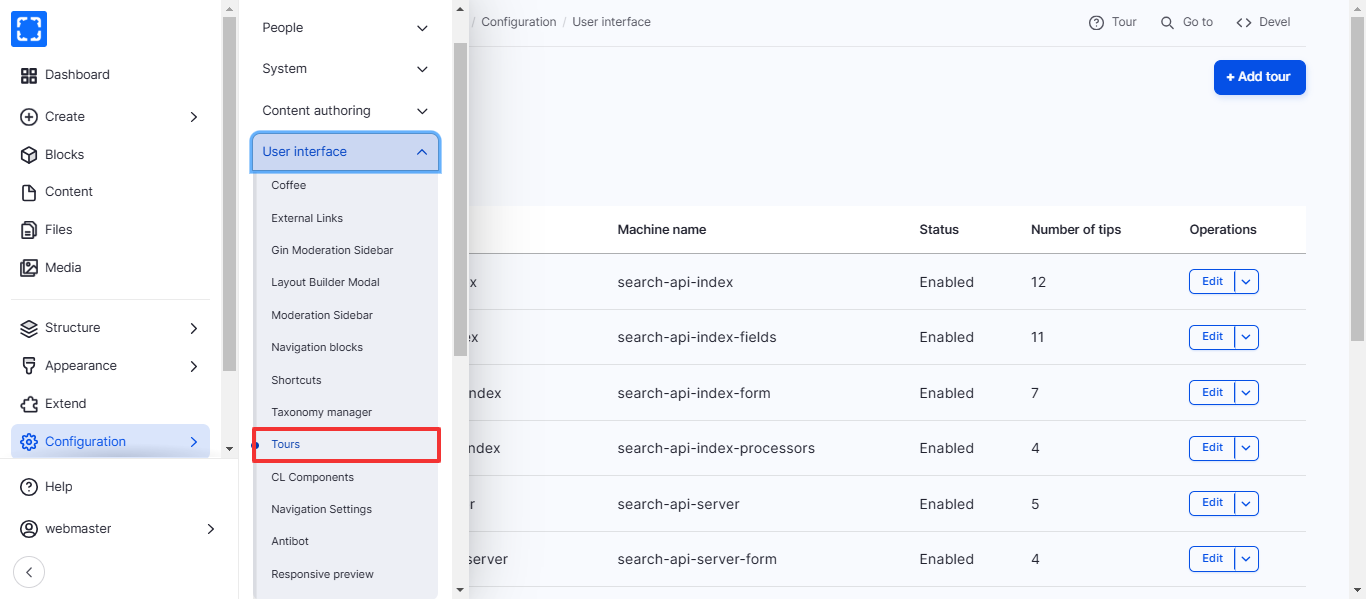
1. Form **Configuration/ User interface/ *****Tours.***
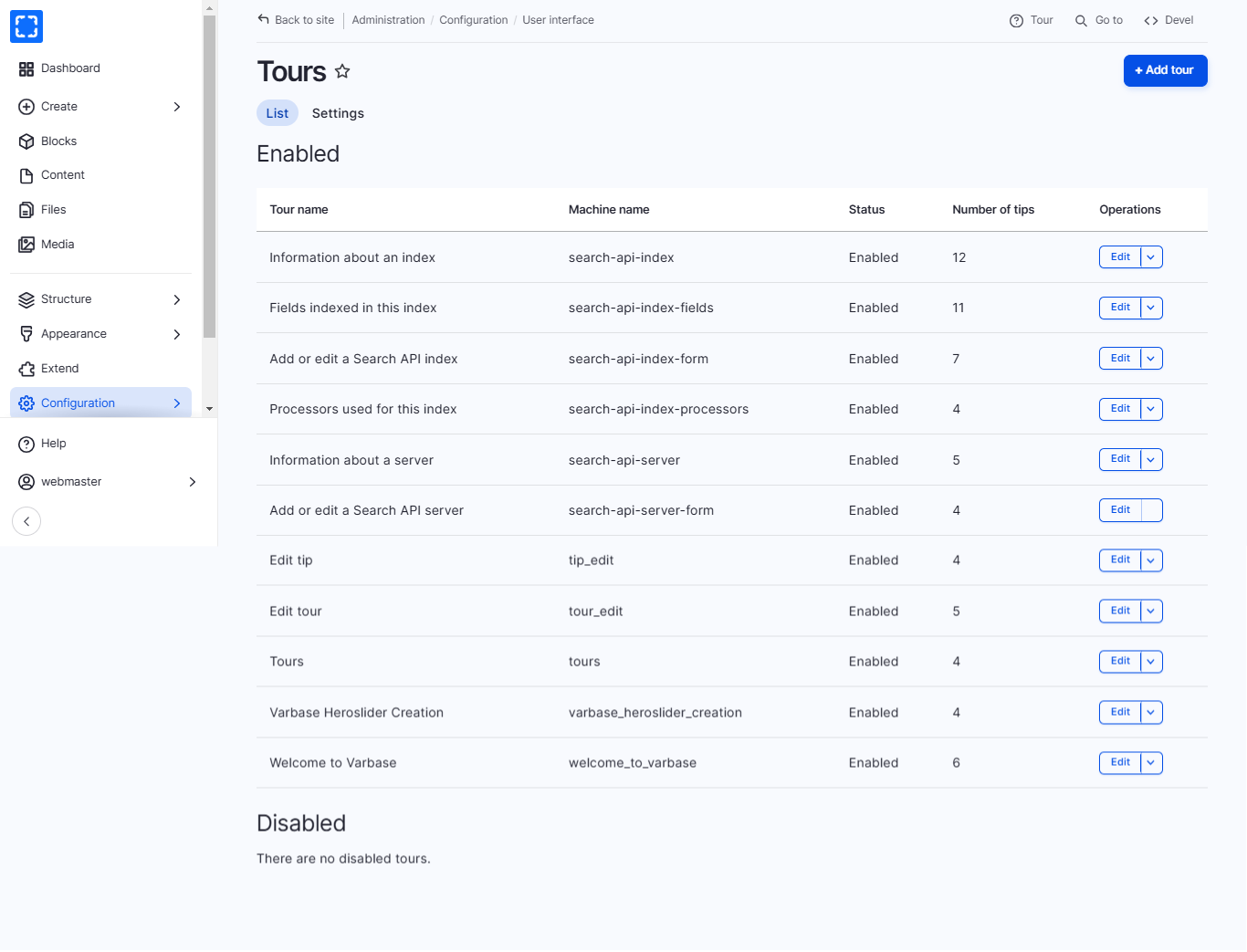
2. You'll be redirected to the **Tours** page.
3. You can create a new tour by clicking on **Add tour** or update an existing tour by clicking on **Edit.**