> For the complete documentation index, see [llms.txt](https://docs.varbase.vardot.com/llms.txt). Markdown versions of documentation pages are available by appending `.md` to page URLs; this page is available as [Markdown](https://docs.varbase.vardot.com/10.1.x/content-designers/user-management/add-user.md).
# Add User
## How to Add Users?
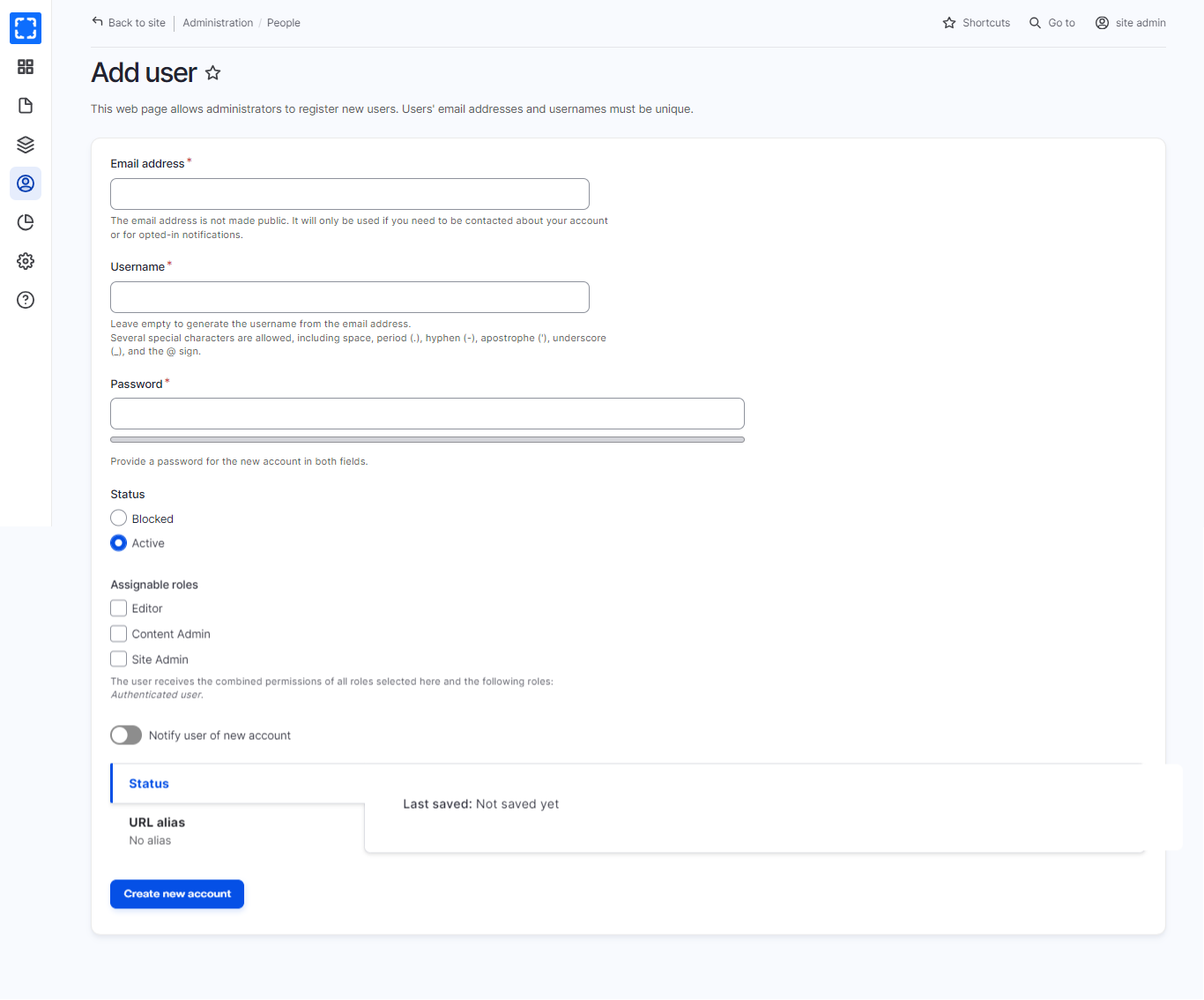
This section will explain how to add users to Drupal, please navigate to **Administration \ People \ *****Add user.***
Adding Users in Drupal
Fill in all the required details and necessary fields:
1. Select a **role**
2. **Email address****\***
3. **Username****\***
4. **Password****\***
5. **Confirm password****\***
6. **Status**
Then click the **Create new account** button.